
For a new booking
Driving Test Helper for Android
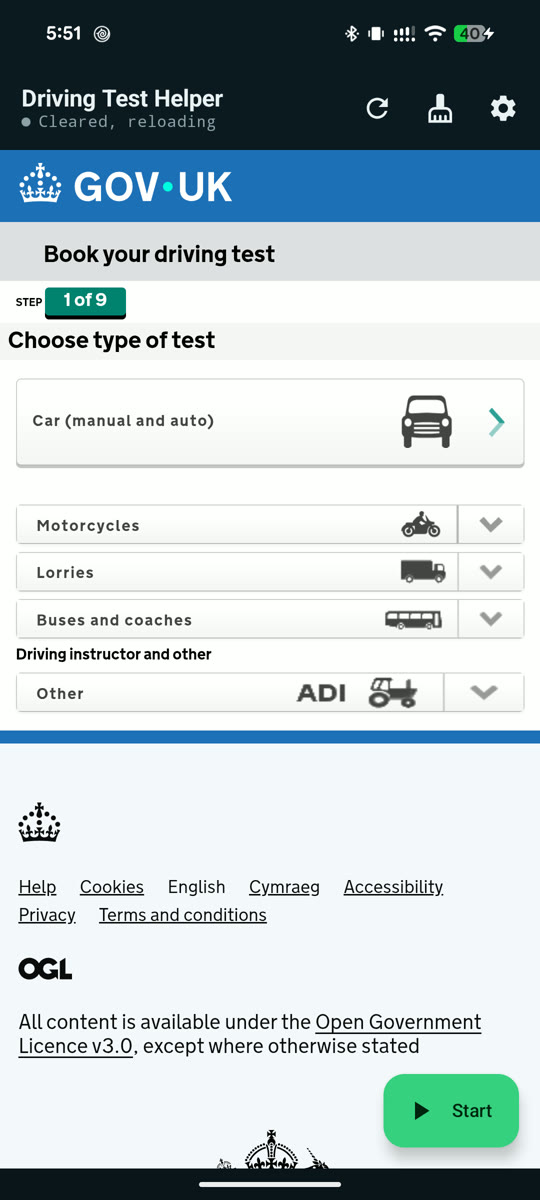
It fills in the DVSA booking form for you and keeps checking your test centres while the app is open with the screen on, then opens the first slot it finds and rings. You book and pay. The same purchase covers the Chrome extension.
Free to download. You pay £10 once in the app when you press Start, and nothing renews. One purchase covers two learners on Android and Chrome.

Reading this on a computer? Point your phone's camera here to open this page on the phone, then download there.
Expect three prompts
The app is installed directly rather than through the Play Store, so your phone checks with you three times before it runs. All three are normal.
-
Keep the download when Chrome warns
Chrome may say the file could harm your device. It says that about any APK that isn't from the Play Store. Keep the download.
-
Allow installing from this source
Android blocks installs from outside the Play Store until you say otherwise. The prompt appears when you open the downloaded file.
-
Tap Install anyway on the Play Protect warning
Play Protect warns about any app it has not seen distributed through the store. It is not a report of anything found in this one.
After the install, open the app, press Start and sign in with the address you paid with, or pay there if you haven't yet. The full walkthrough, including the emailed sign-in link, is in the setup guide. Leave the app open with the screen on while it searches. To see it run first, the recording on the home page shows the app on the real booking site.